Your icons become winter art
Arrange files into simple shapes and a painted picture grows in their place: a fireplace with stockings, a Christmas tree with fairy lights, a stack of presents, a gingerbread house.
A tiny winter world that lives around the icons on your Mac desktop.
Snow falls over your wallpaper and piles up into drifts. Line up desktop icons into a tree, a snowman or a fireplace, and Tinyland paints a picture in their place.
Free · macOS 14 Sonoma or later · No accounts, no tracking
Tinyland lives behind your icons and never gets in the way of your work.
Arrange files into simple shapes and a painted picture grows in their place: a fireplace with stockings, a Christmas tree with fairy lights, a stack of presents, a gingerbread house.
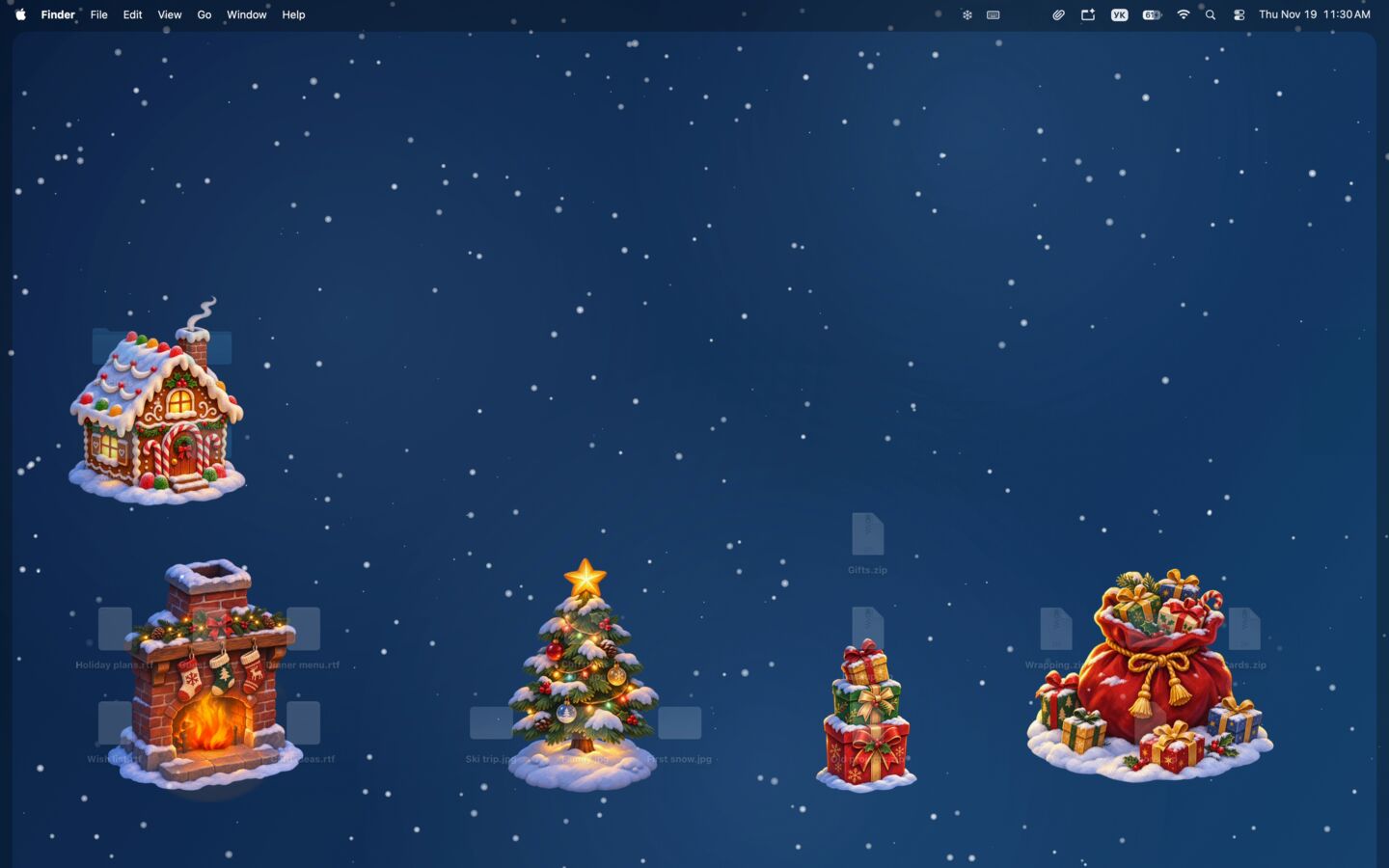
Every picture has a simple recipe. Folders, images, PDFs, archives and music each play their part, and the menu bar panel shows every shape you can build.
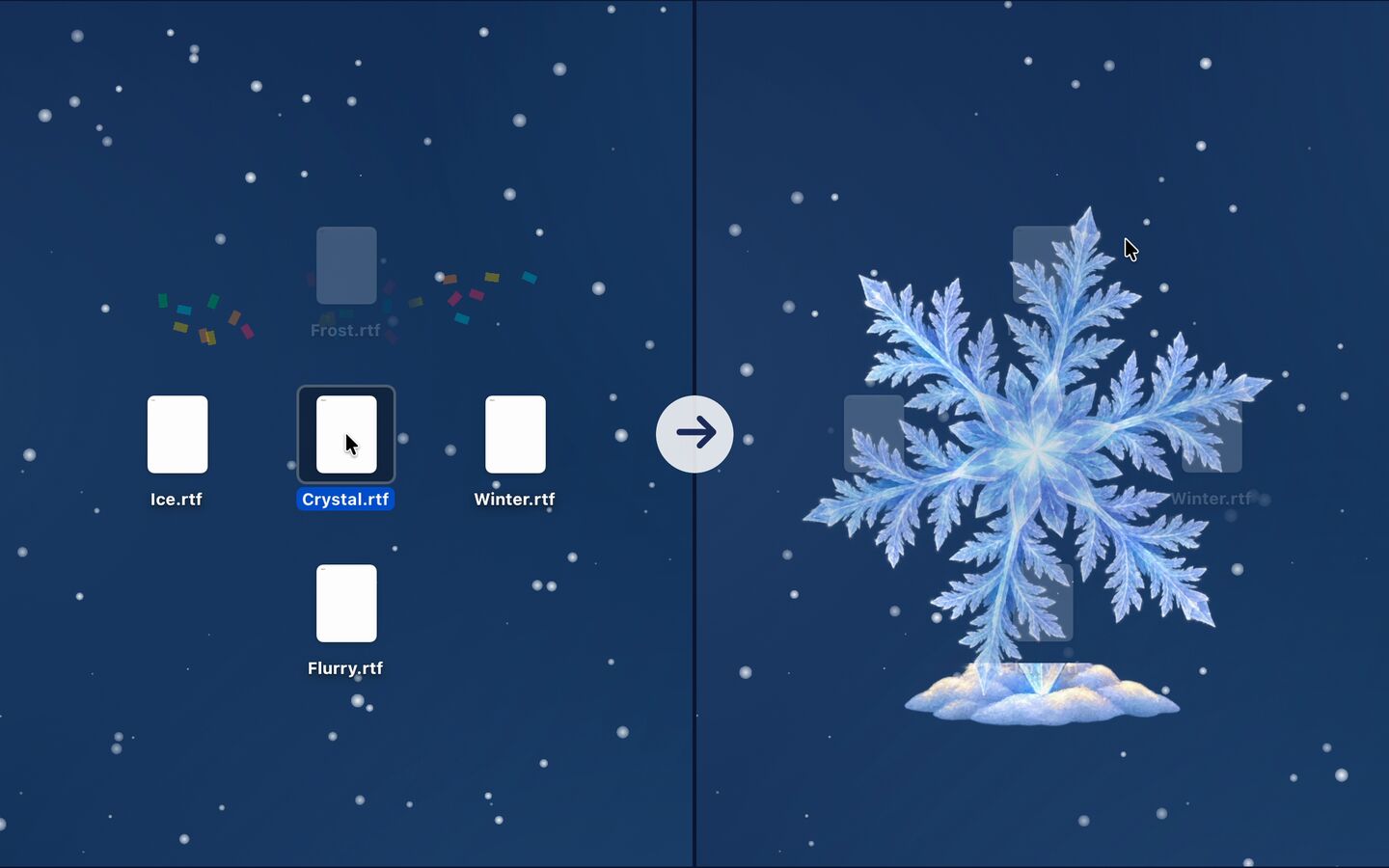
Snow drifts pile up along the bottom of the screen. Move your cursor to the drift and it becomes a shovel. Now and then a gust of wind sweeps it all away, and the snow starts over.

A golden star, Santa’s sleigh, a sled hill, a bird hut, a snowman in a knitted scarf: build a little winter village right between your files.
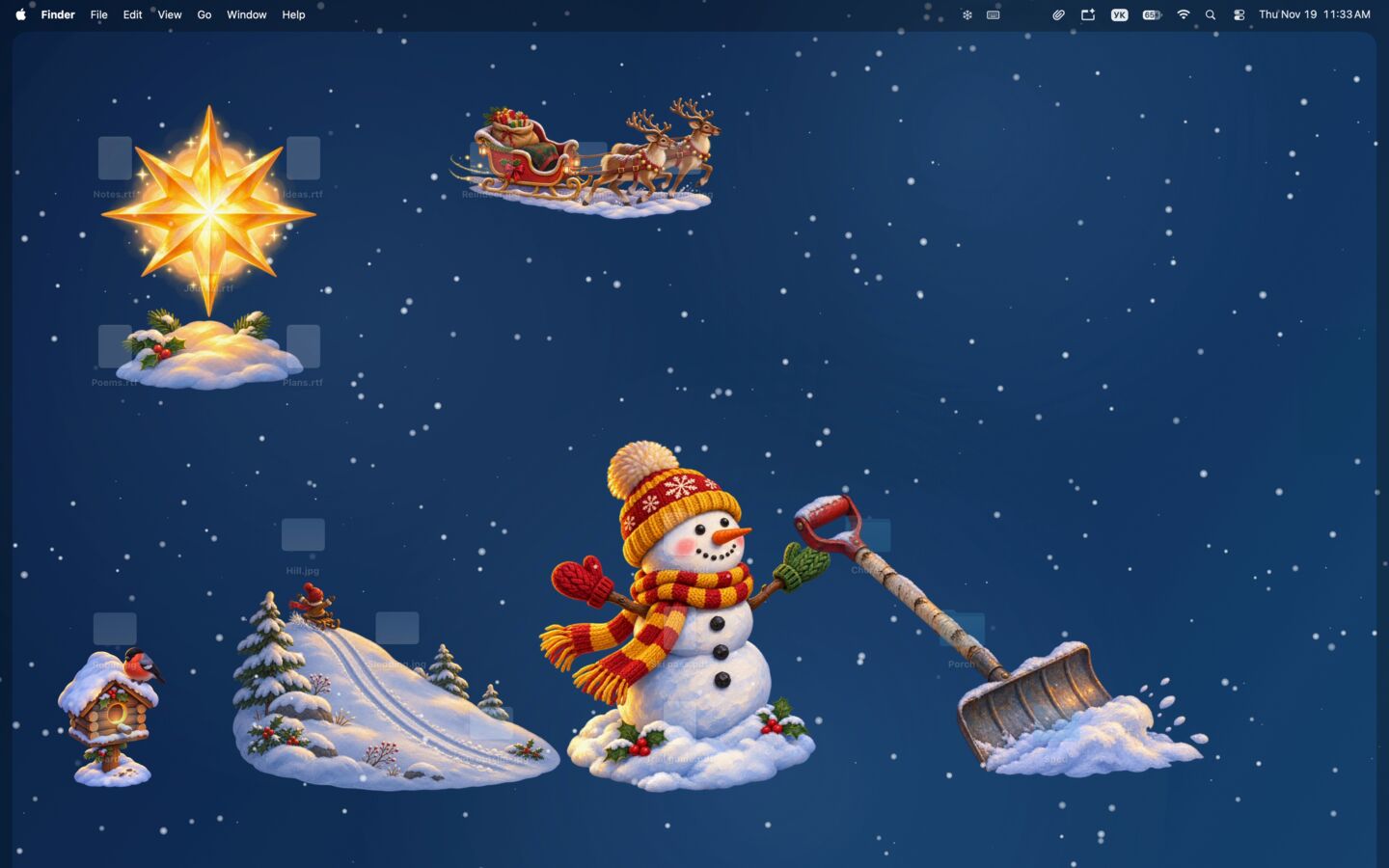
Pick the backdrop that suits your mood, or keep your own Mac wallpaper. Tune the snow speed and wind, and fade your file icons or the pictures to taste.
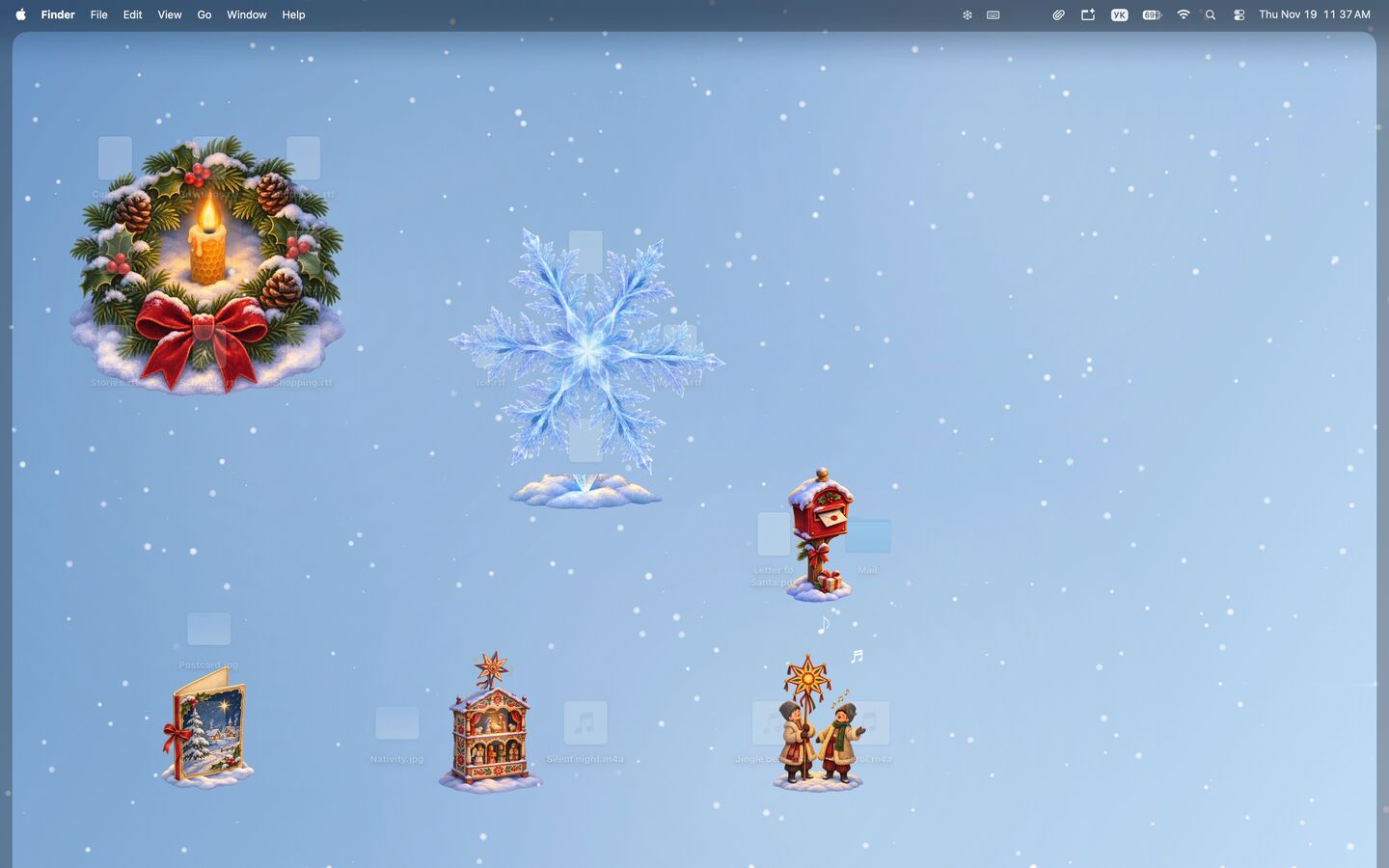
Each one has its own recipe. The panel in the menu bar checks off the ones already on your desktop.
 Christmas tree4 images: 1 on top, 3 below
 Snowflake5 files in a plus
 Fireplace5 files in a П
 Gingerbread house4 folders in a square
 Snowman3 PDFs in a column
 Wreath8 files around an empty middle
 Star5 files in an X
 Sleigh3 images in a row
 Sled hill3 images on a diagonal
 Presents3 archives in a column
 St Nicholas’ sackA folder with archives around it
 VertepAn image, a PDF and audio in a row
 Carolers2 audio files side by side
 Greeting cardAn image above a PDF
 MailboxA PDF next to a folder
 Bird hutAn image above a folder
 Shovel3 folders on a diagonal
Tinyland rests when you work and never looks inside your files.
Pauses when windows cover the desktop or Low Power Mode is on.
No Dock icon, no windows. One click on the snowflake opens every setting.
Knows where your icons stand, never what’s inside your files.
No accounts, no analytics, no tracking. Nothing leaves your Mac.
Free on the Mac App Store. More seasons and holidays are on the way.
Download on theMac App Store